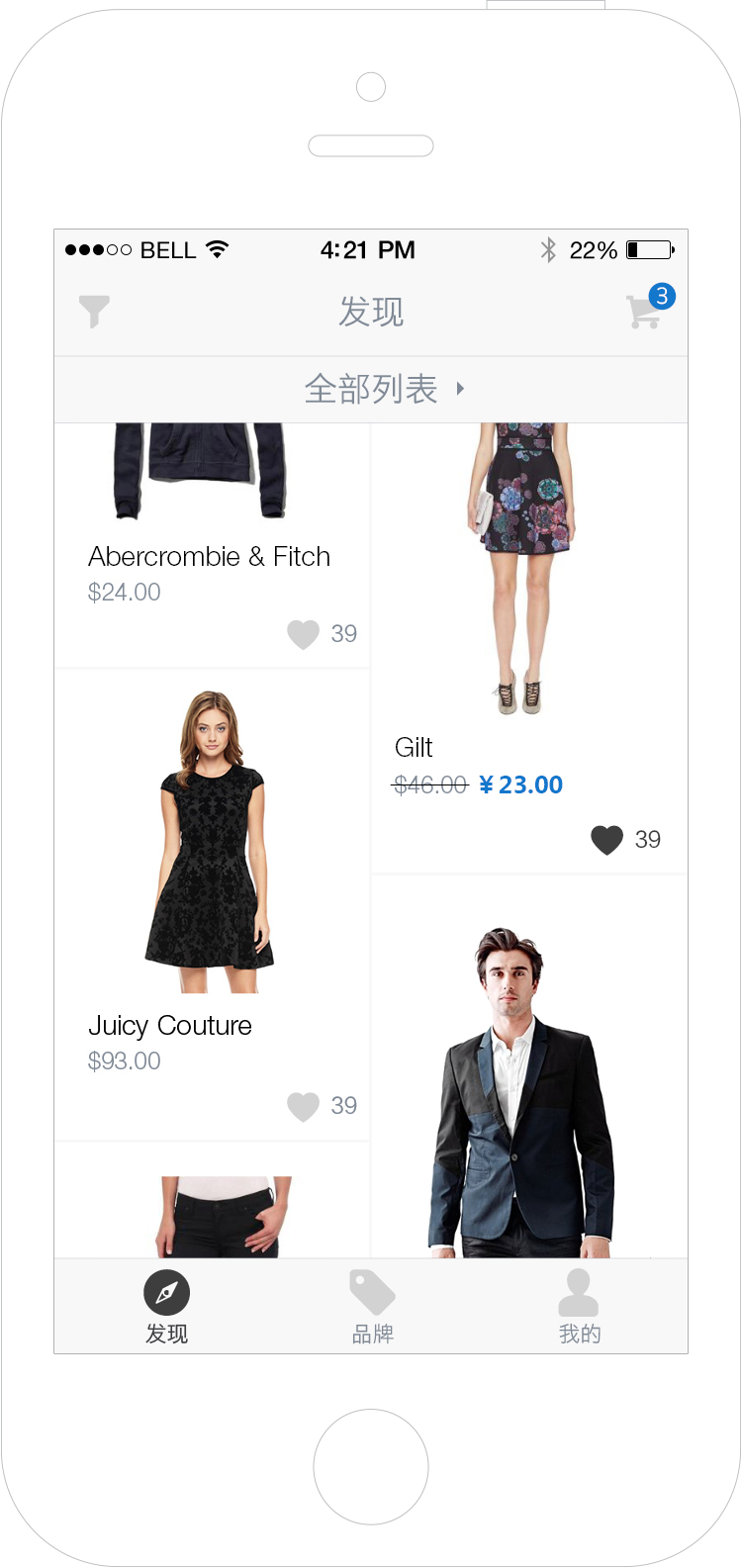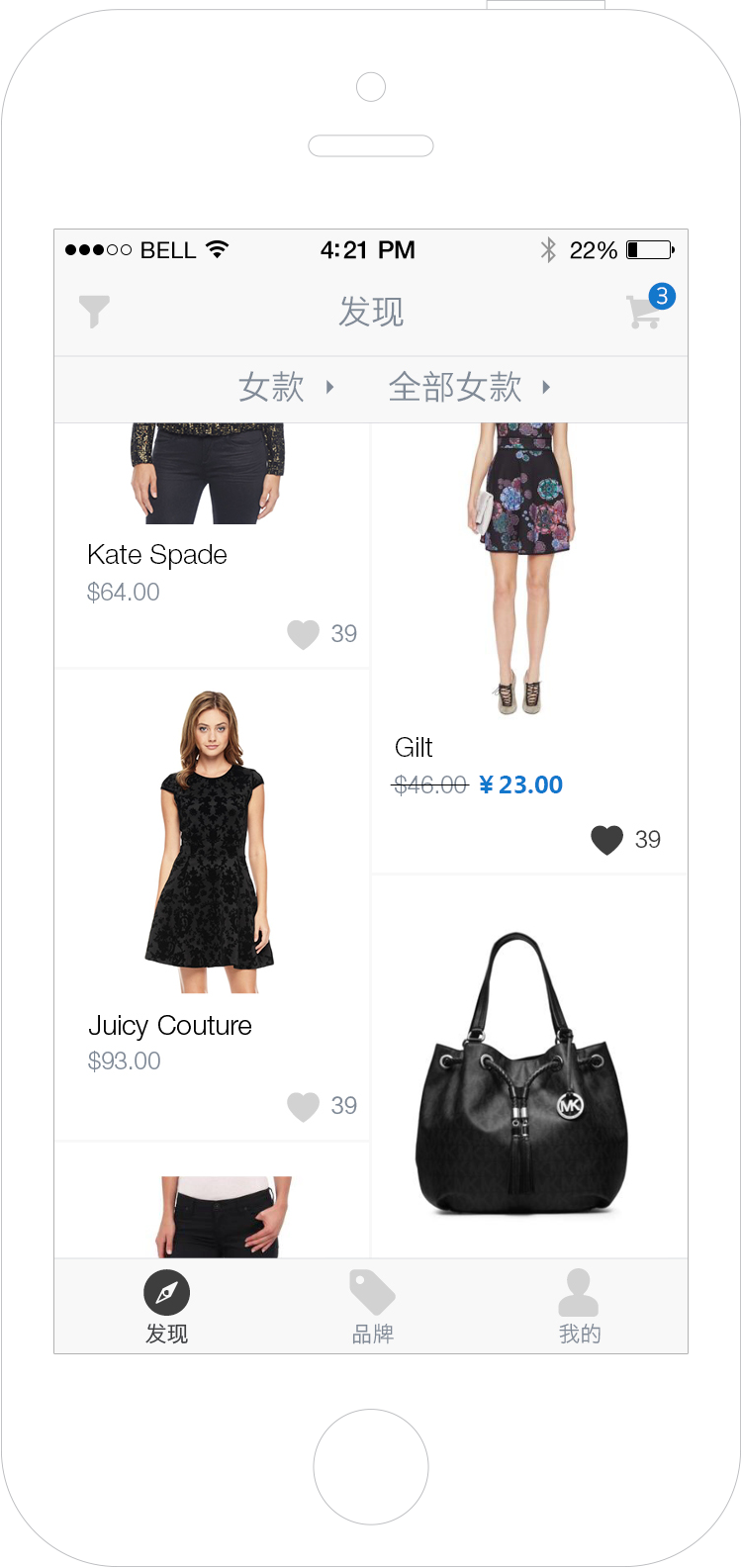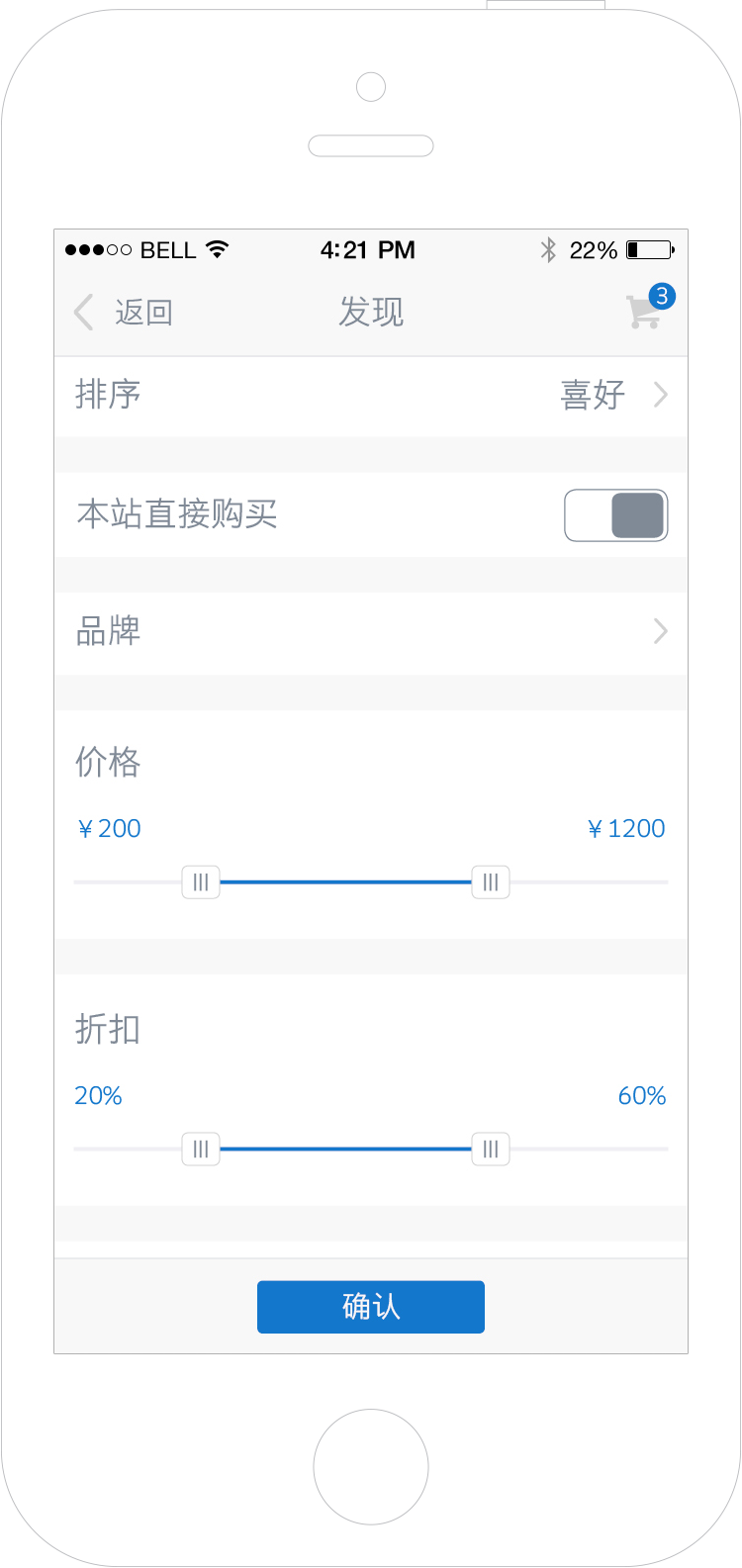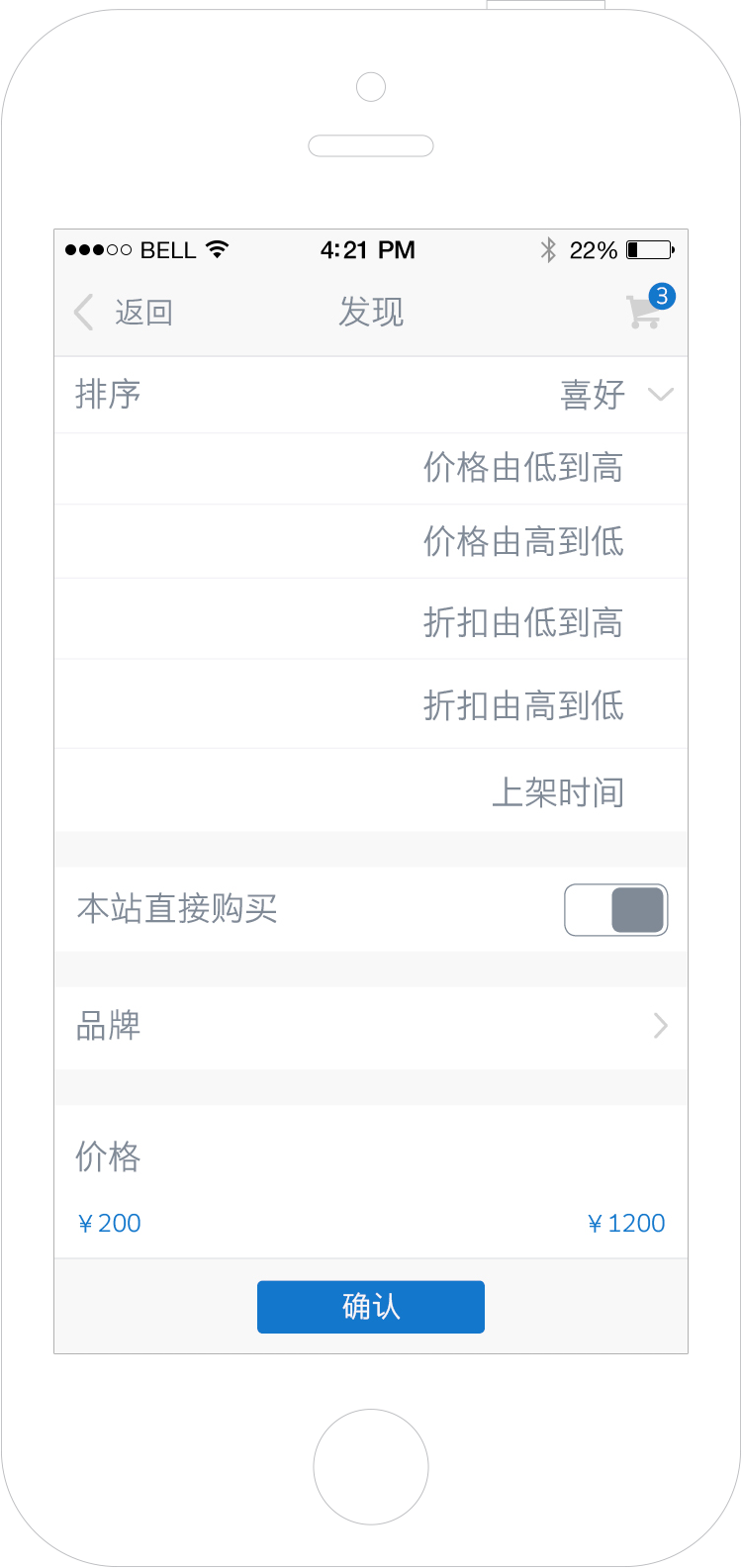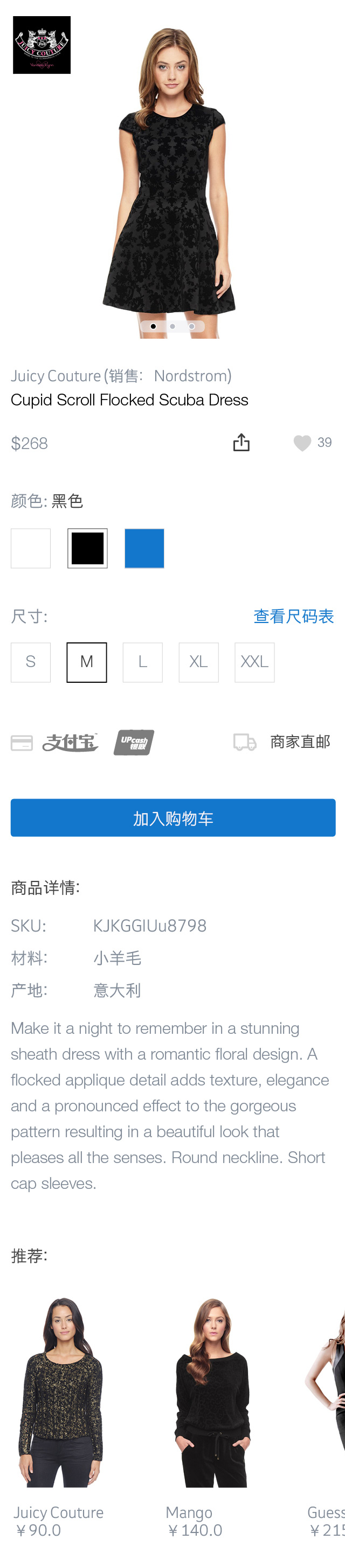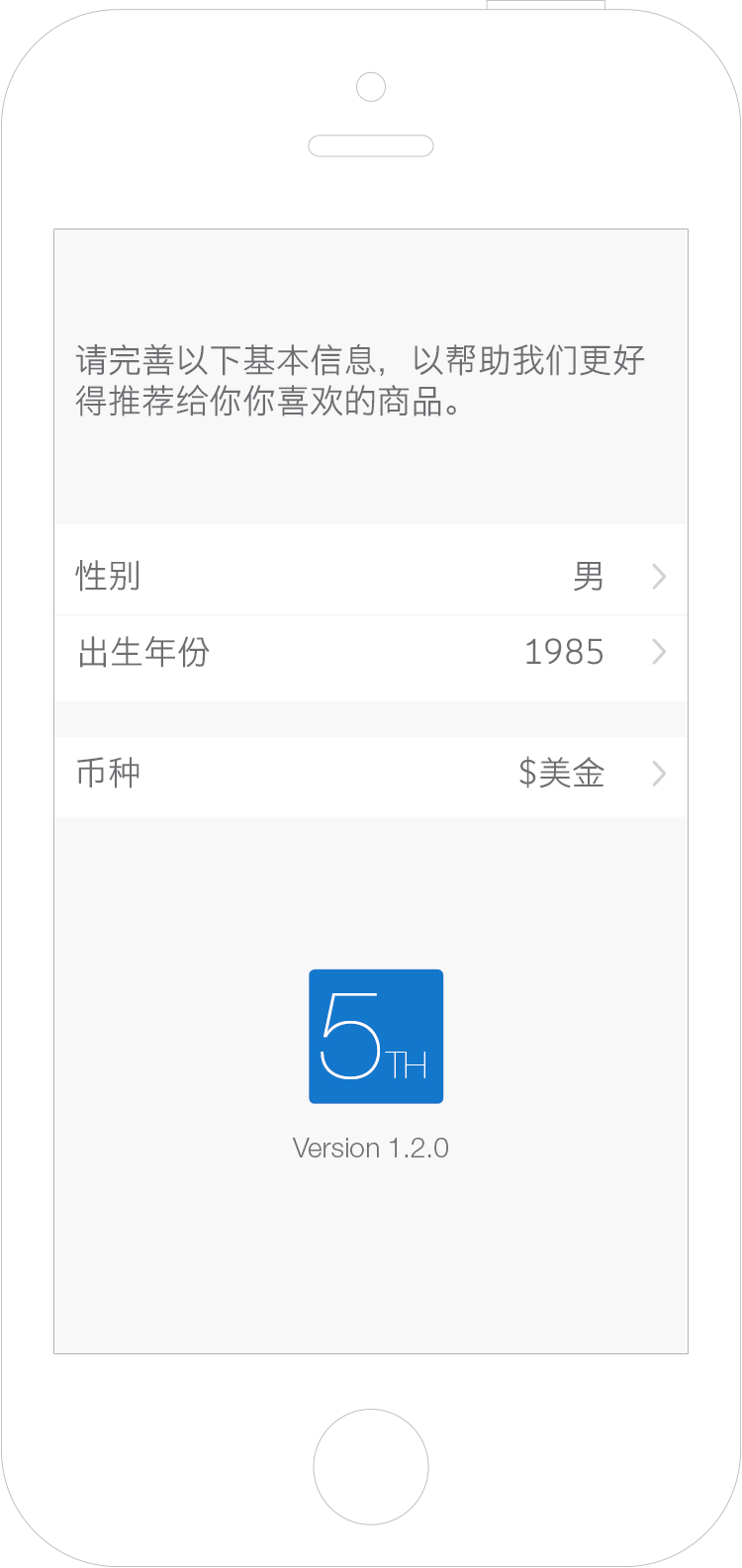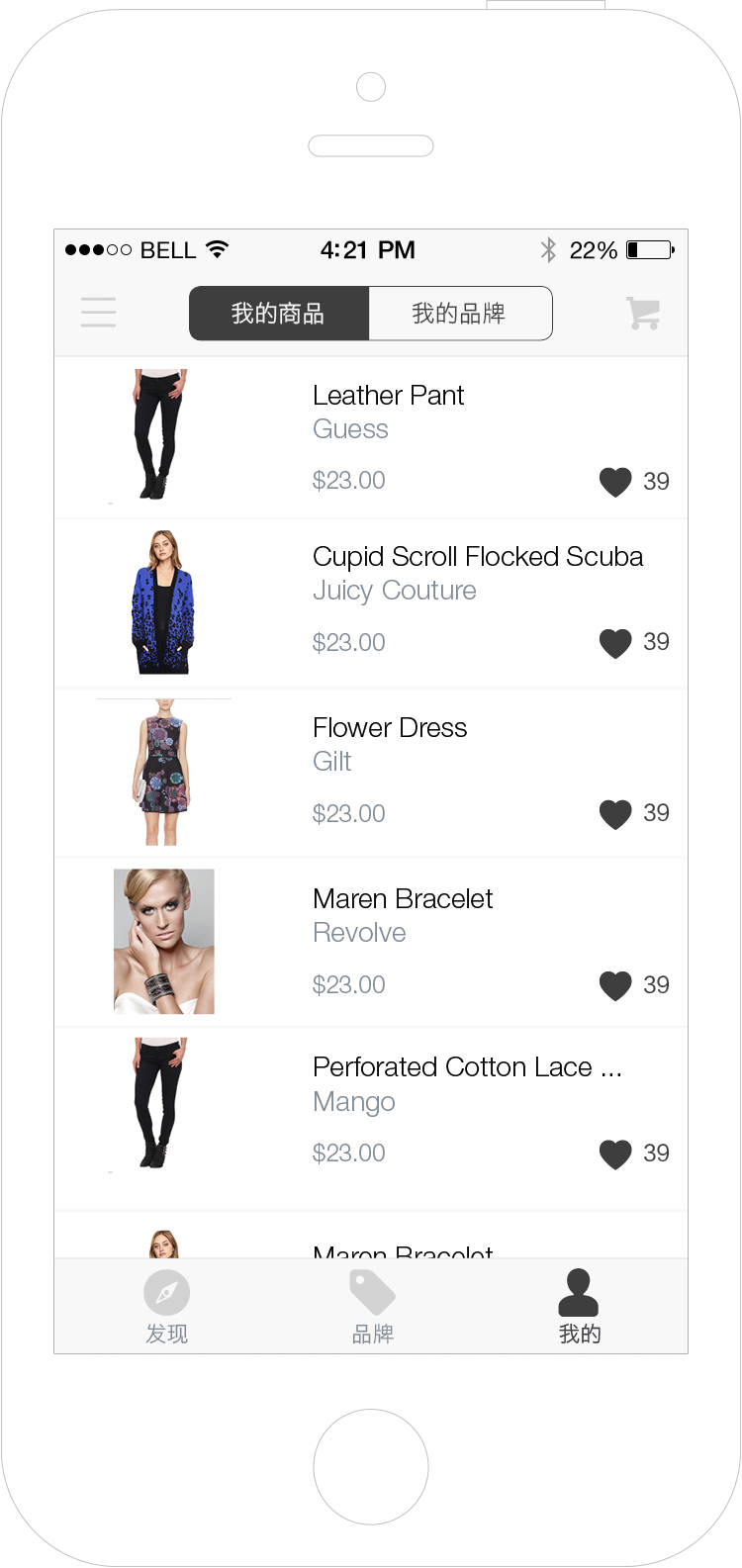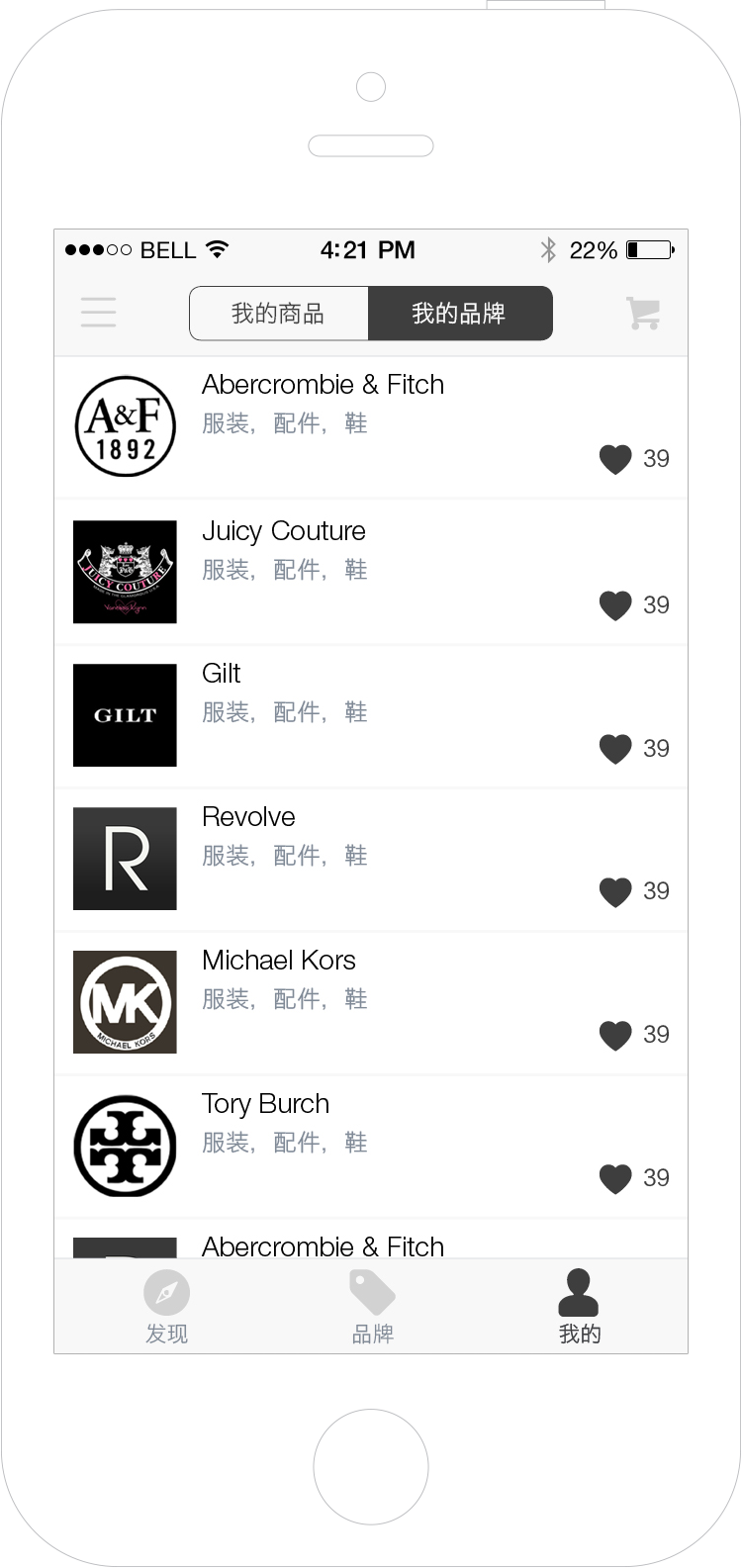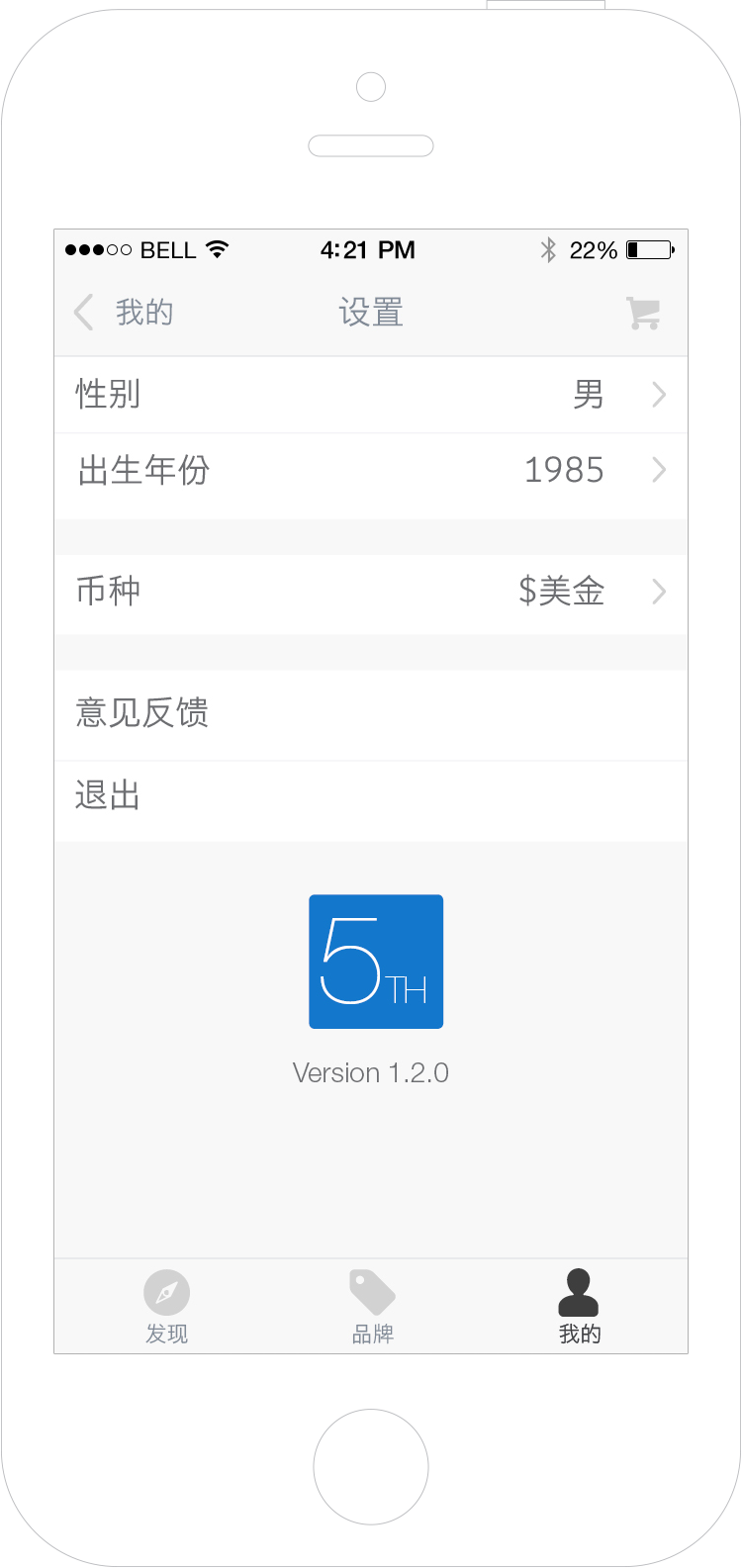

Chinese consumers spent $12.5 Billion on oversea purchase in 2013. However, the process is not easy: too many fake goods; some websites are blocked in China; inconsistent shopping experience and so forth. That’s why we made the 5th avenue APP. The ultimate goal is to provide a global marketplace for the Chinese consumers. But first, we want to make a tool that can make the process easier. We crawl the data from merchants and represent them using a consistent user interface, so Chinese consumers can conveniently browse, compare and purchase any oversea product from any merchant in one place. I designed the iPhone application interface and the APP icon from scratch. I also worked closely with the founders to define the key features of this APP and the programmers to make sure the final app looks just as great as it should look. The app is in the AppStore now but is not the most up-to-date version.

The idea of the logo design comes from the APP’s name �‘Fifth Avenue� Considering the APP icon will be displayed on the small screen on iphone, ��is designed to take the full height of the frame to make a strong impression. The upper case ‘TH�matches the rectangular frame around.
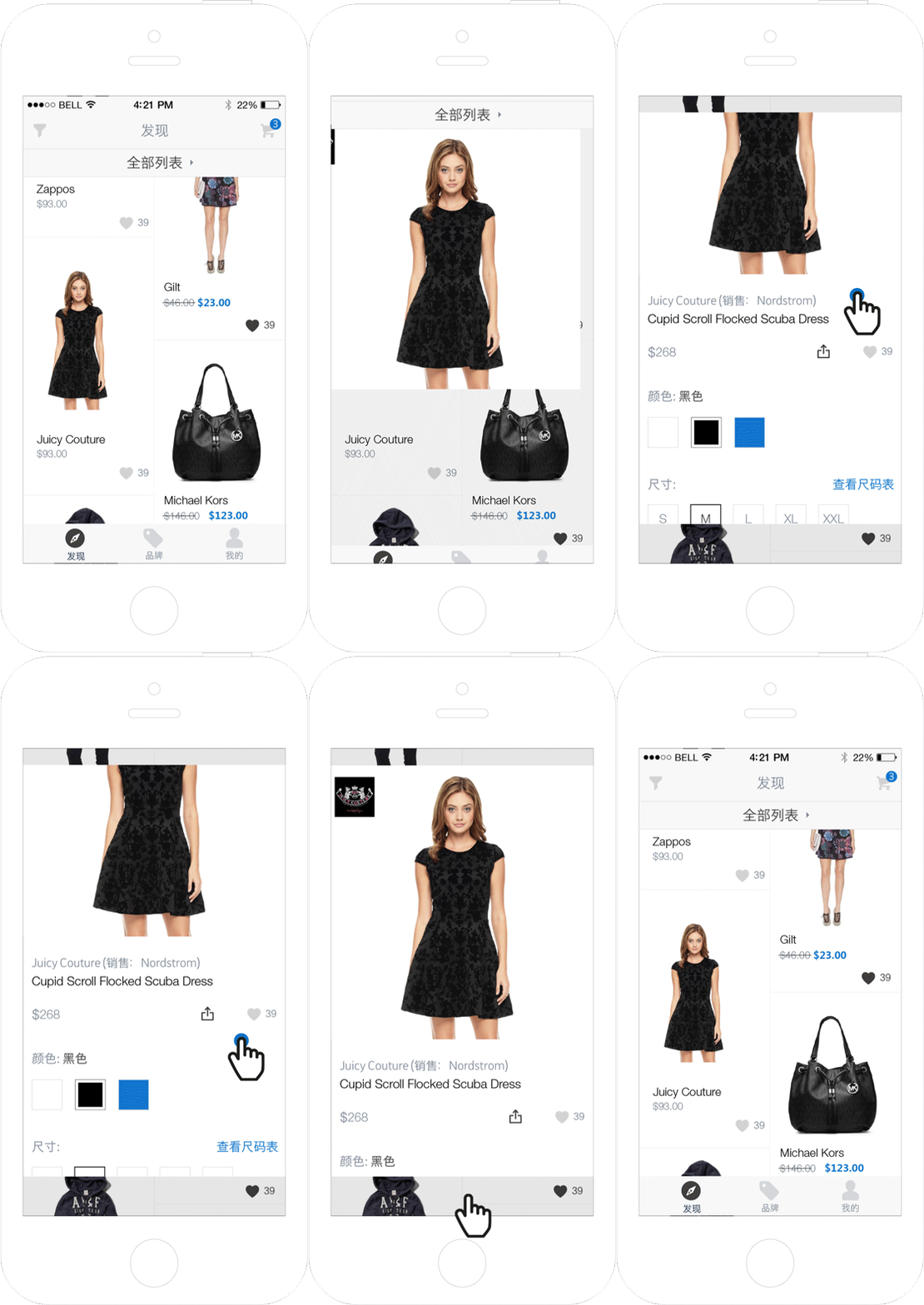
Users tend to switch back and forth frequently between category and items�detail pages while doing window shopping on mobile platform. However, in most APPs, the ‘back�button in the detail page is located on the top left corner, which makes it very difficult to reach. Also switching between different pages is not a very smooth user experience. To solve those two problems, I came up with the ‘One Page Display�UI. Once user clicks any item, the picture will be enlarged to take the same space as a typical detail page. The tab bar and navigation bar will move away, but the top and bottom of the category page is still visible and dimed as the background. To close the detail page, users can simply tap anywhere on the bottom part. The animation and layout make the user feel he/she can navigate without leaving the category page. The intuitive interaction makes the switching much easier and faster.
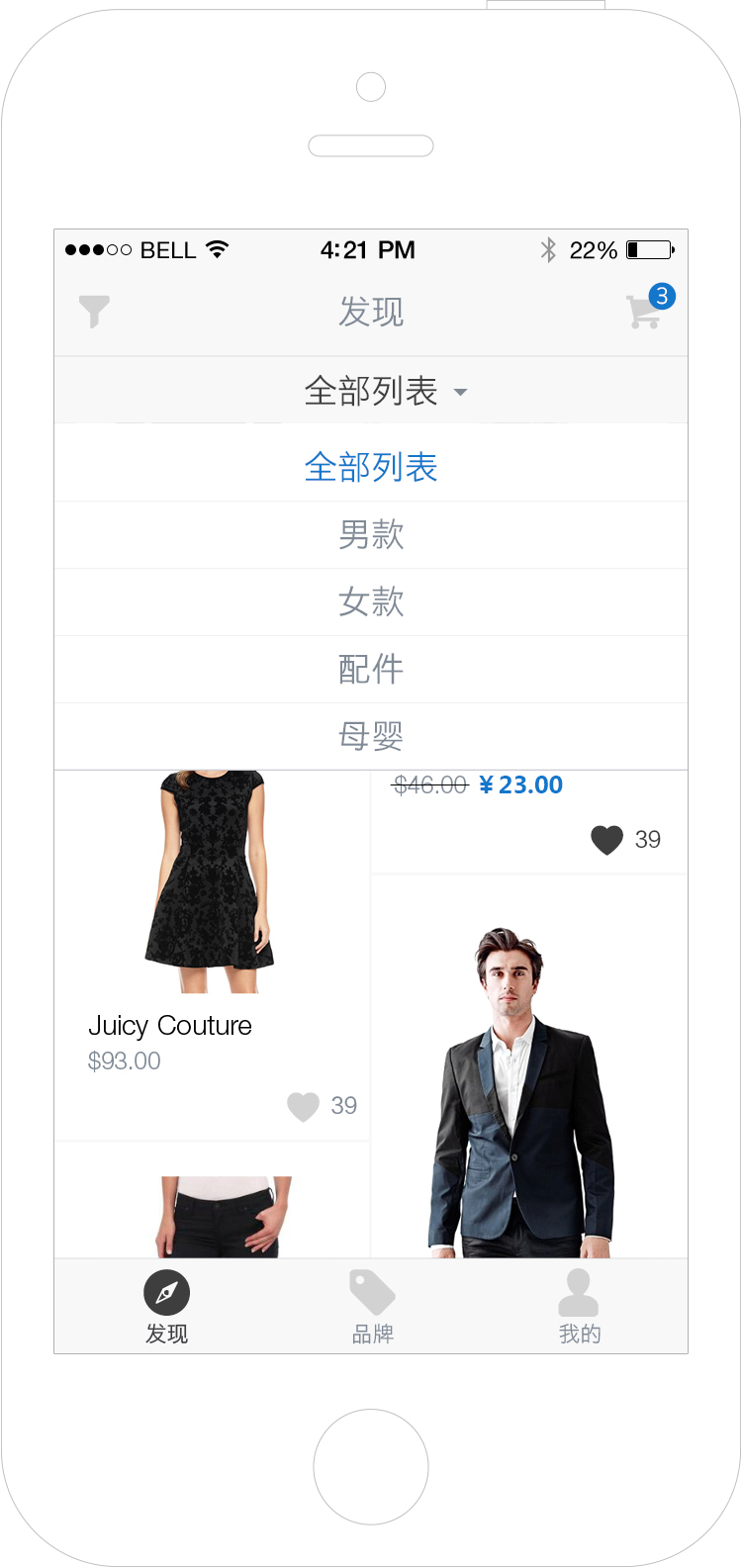
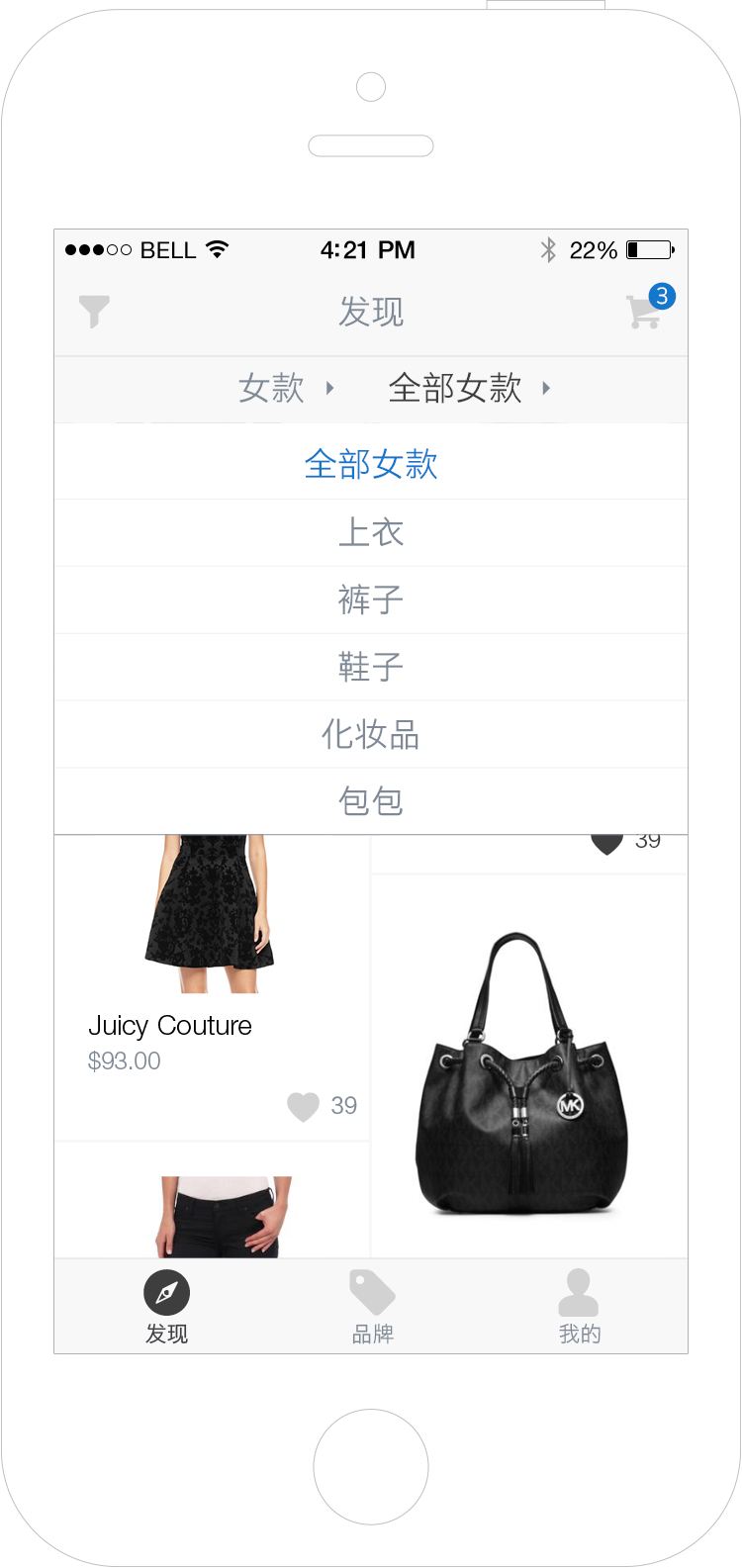
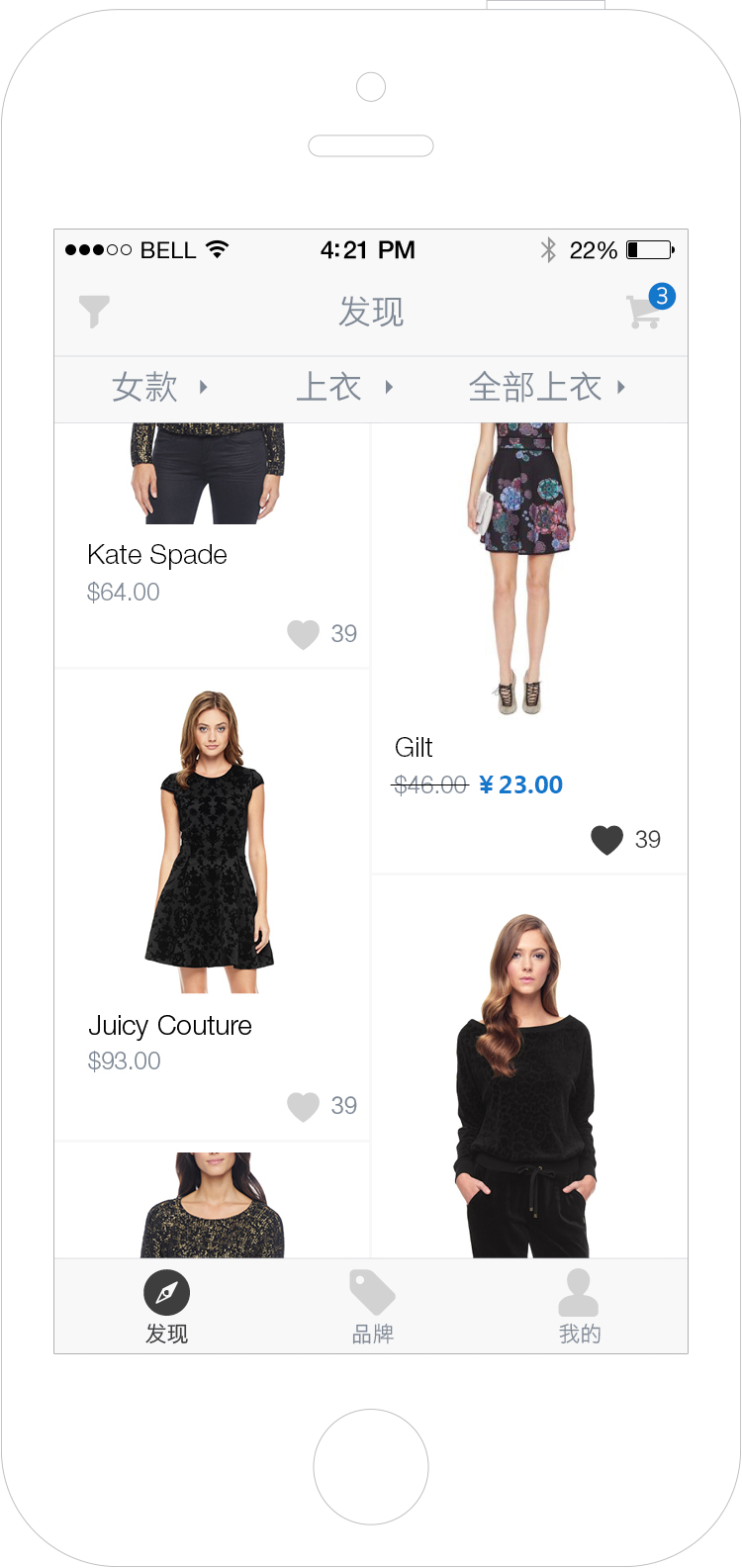
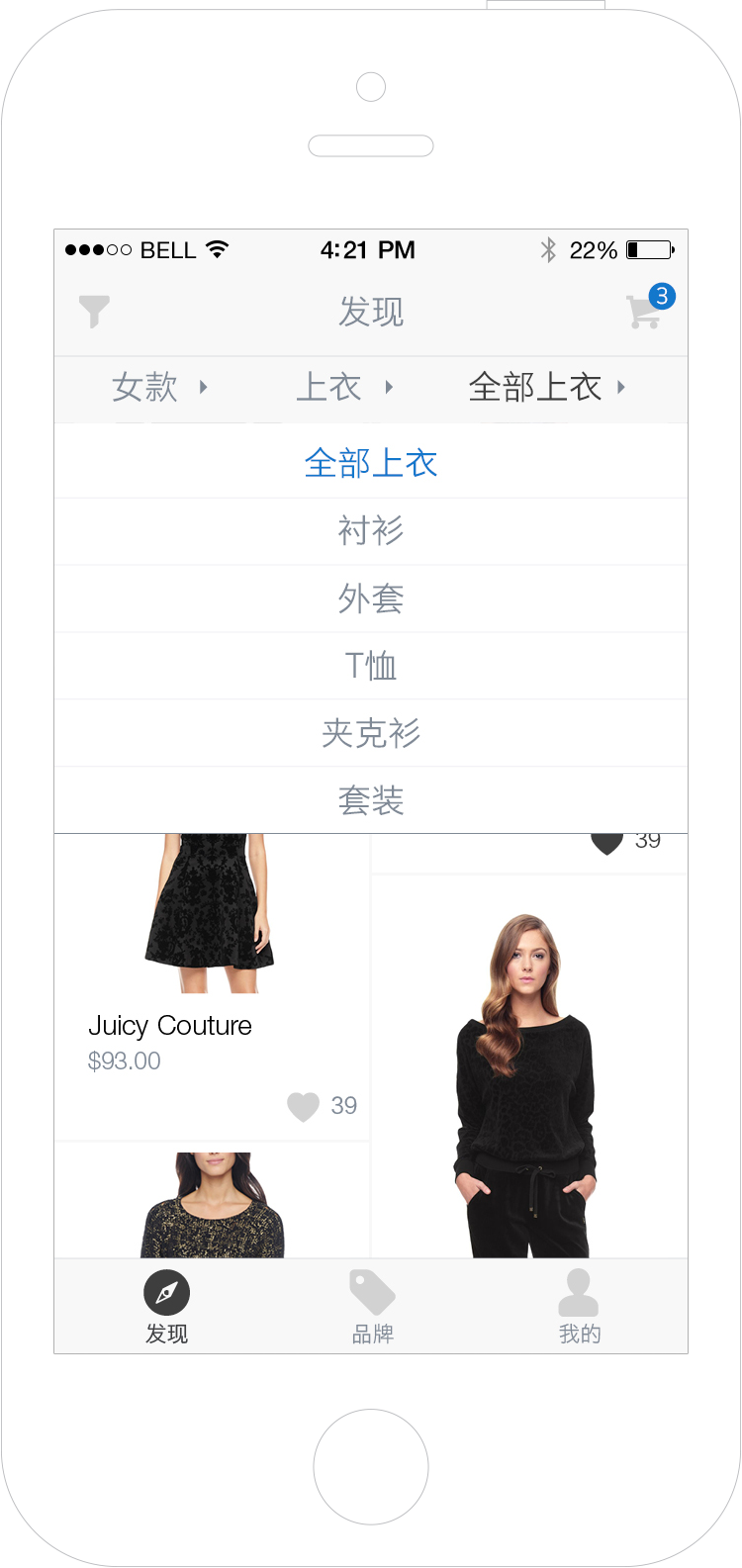
The categories of the online shopping APP are quite complicated, which requires 3 levels of sub-categories. The navigation bar displays all 3 levels on one line. So users can have a clear picture of the data structure and quickly change the category on any level.
Level 1 category - All
Men, Women, Accessory and etc
Level 2 category - Women
Top, Bottom, Bag and etc
Level 3 category - Top
Shirts, Sleeveless Tops, Blouse and etc
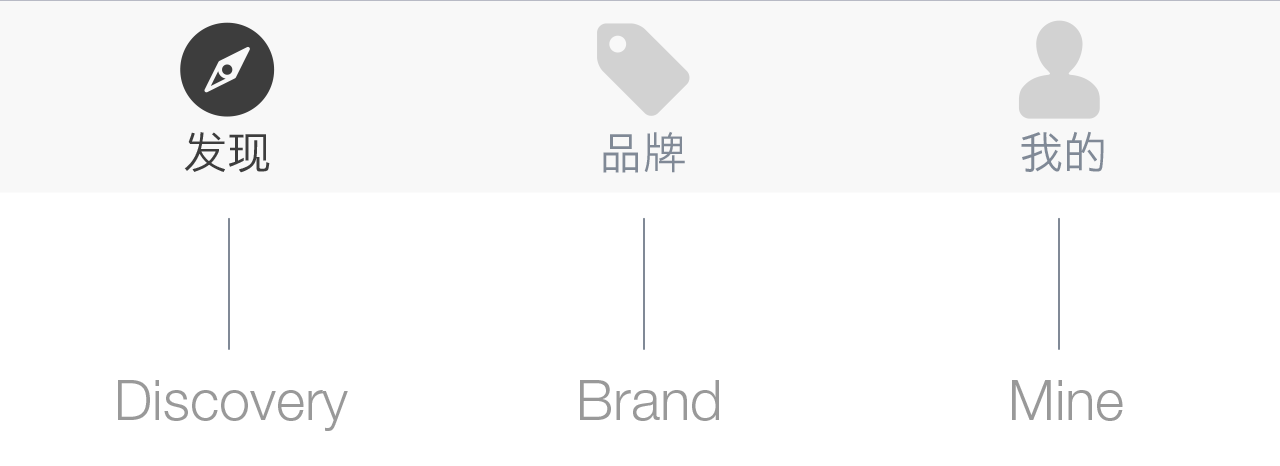
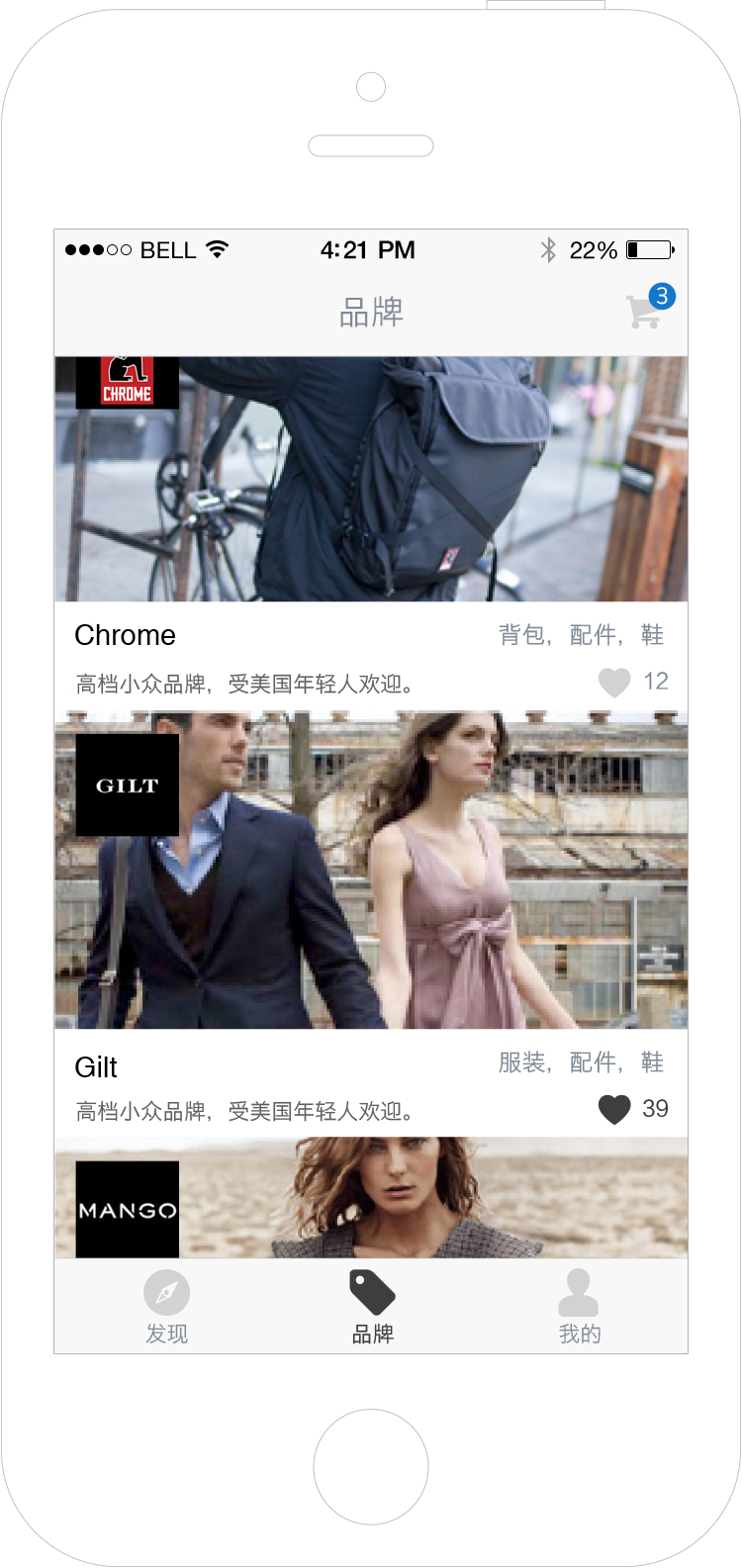
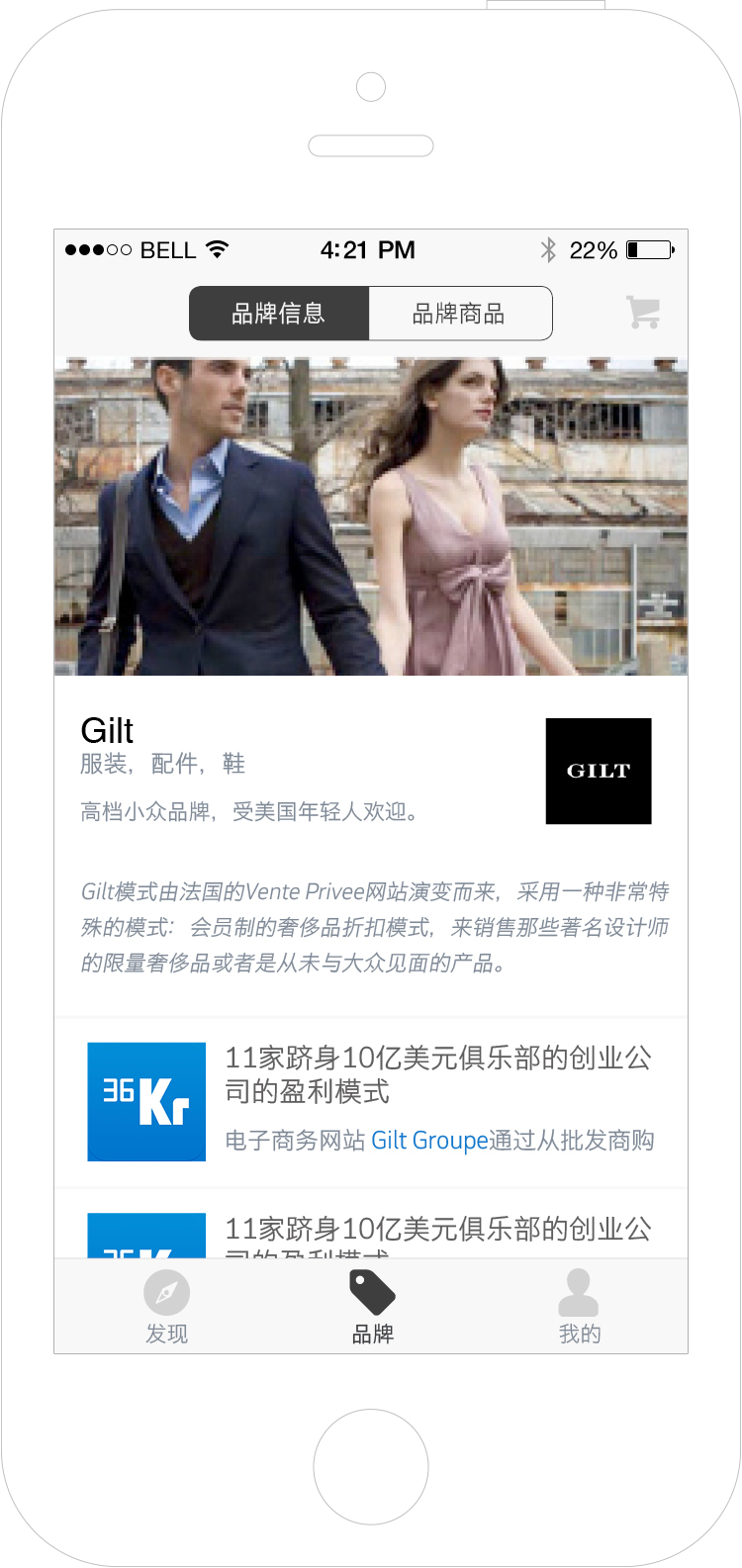
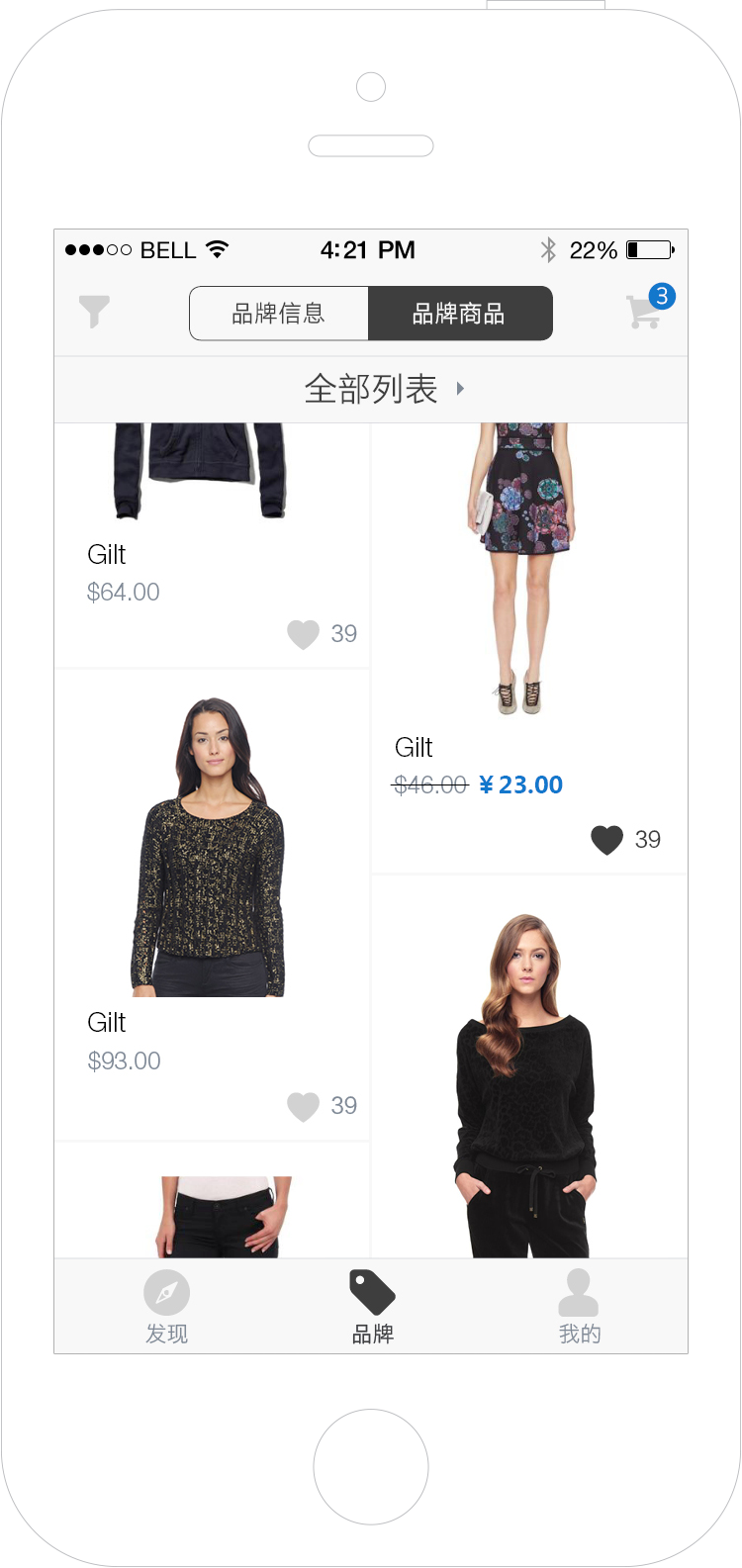
Brand is one of the most important things Chinese consumers consider while making purchase, so it is separated on different section. The ‘Brand�section has two parts: Brand introduction/news and Brand products.
Brand list
Brand introduction and news
Brand products
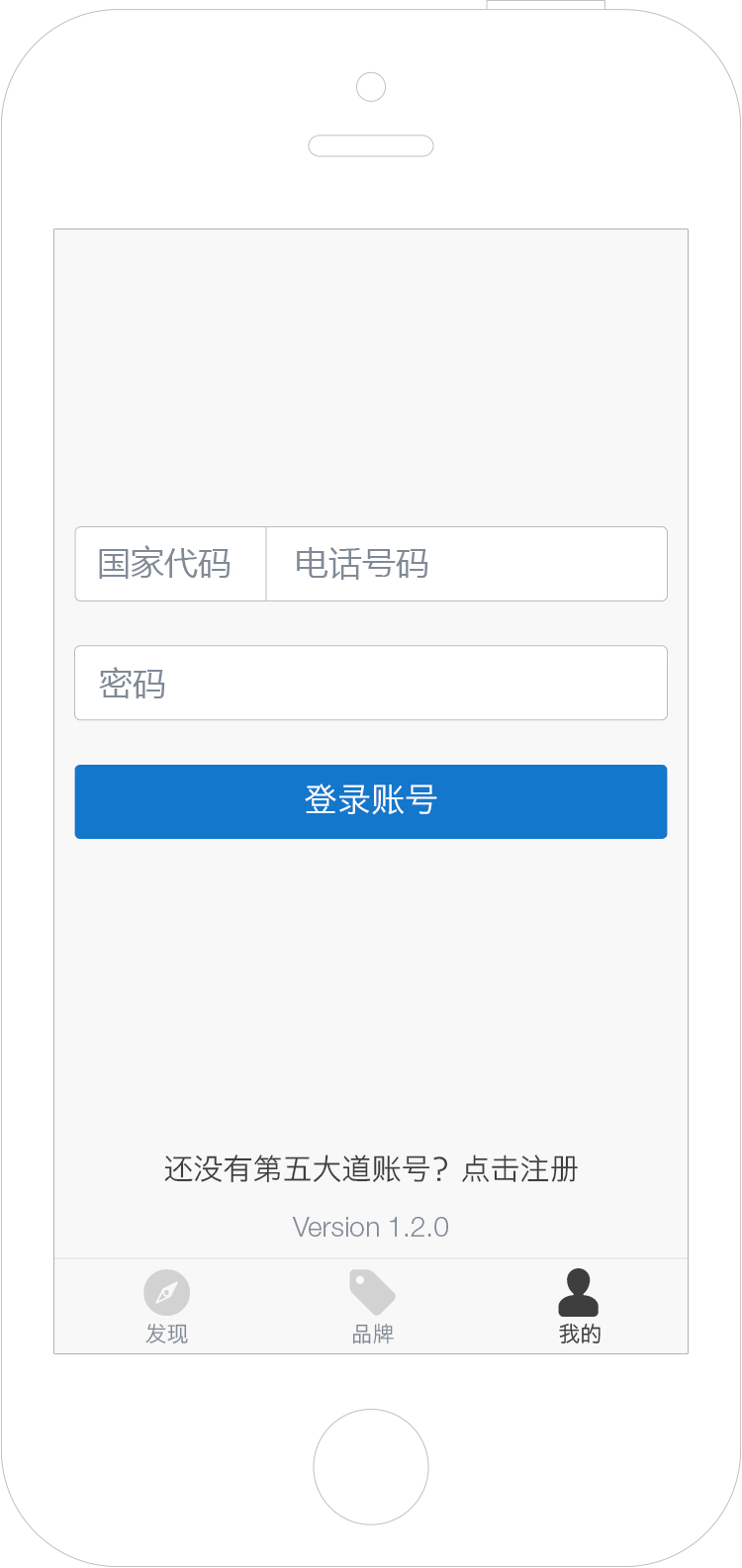
Login
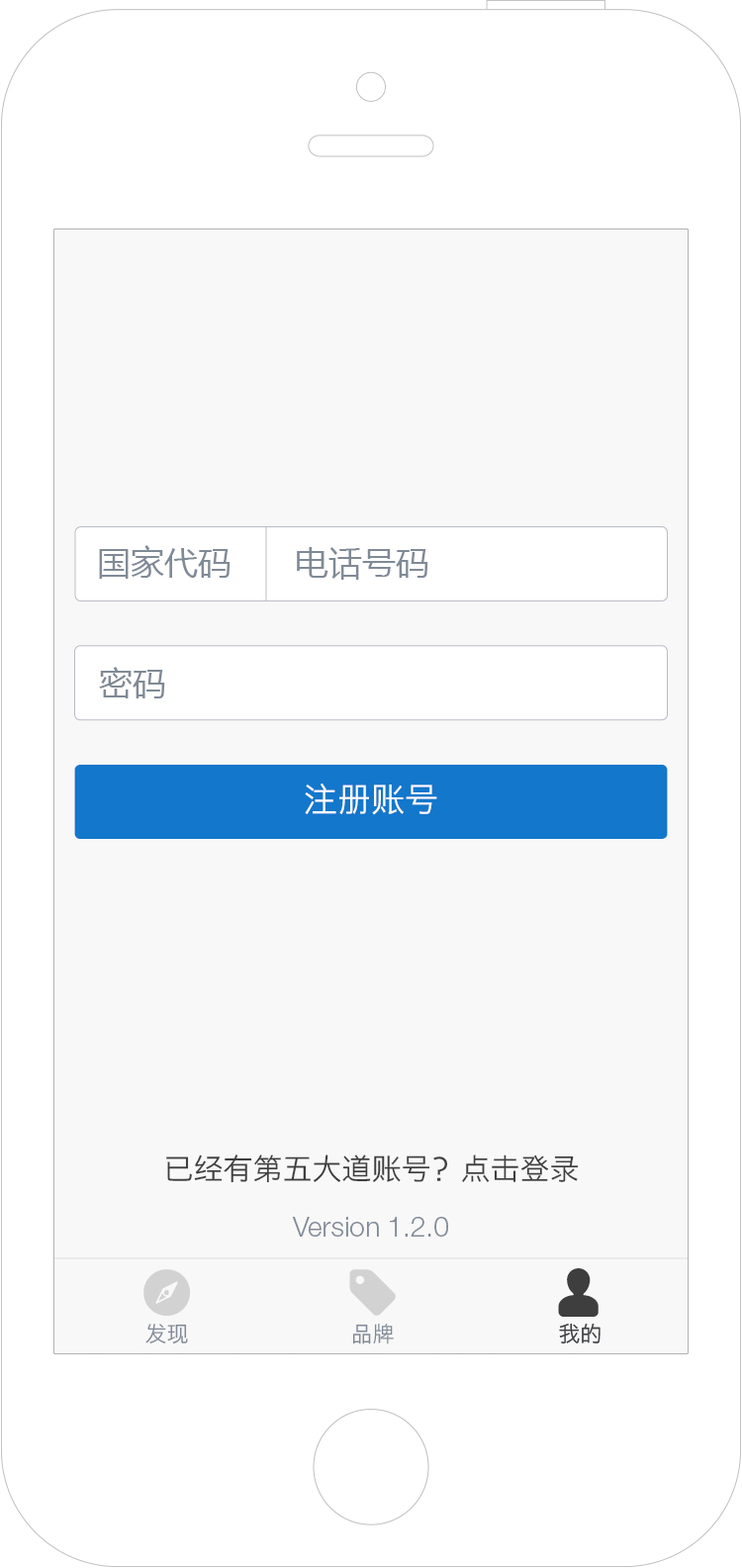
Signup
Preference Setting
My favorite products
My favorite brands
Settings
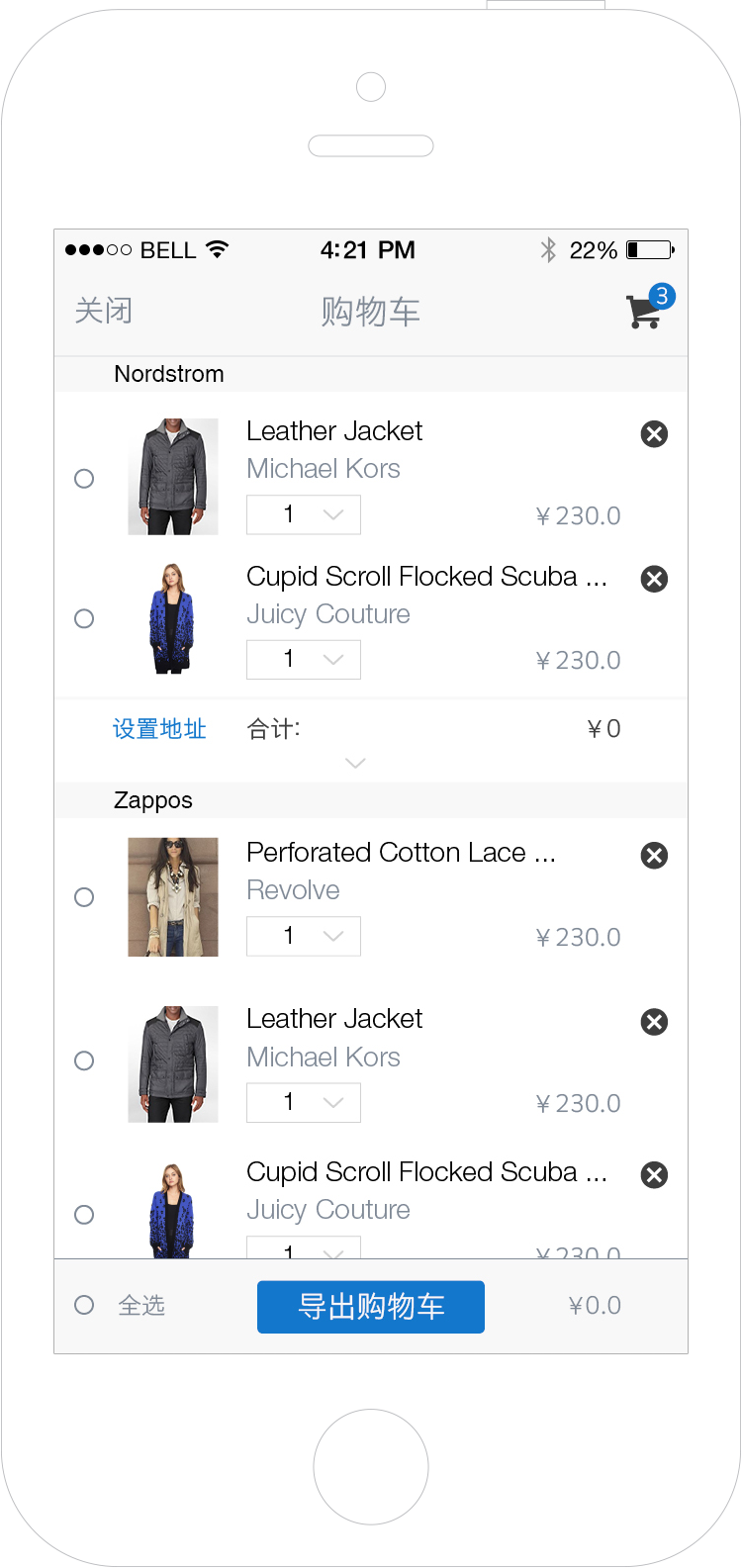
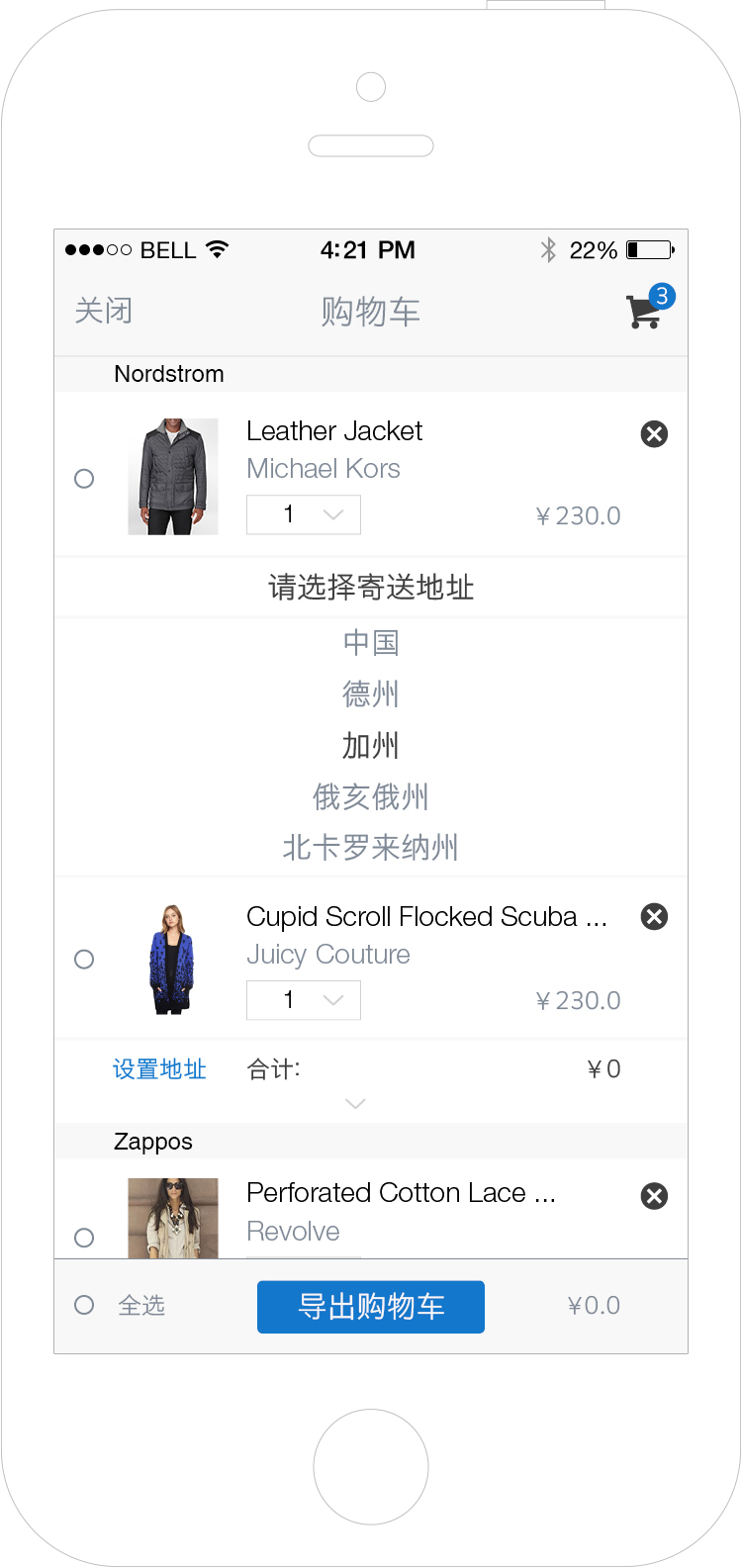
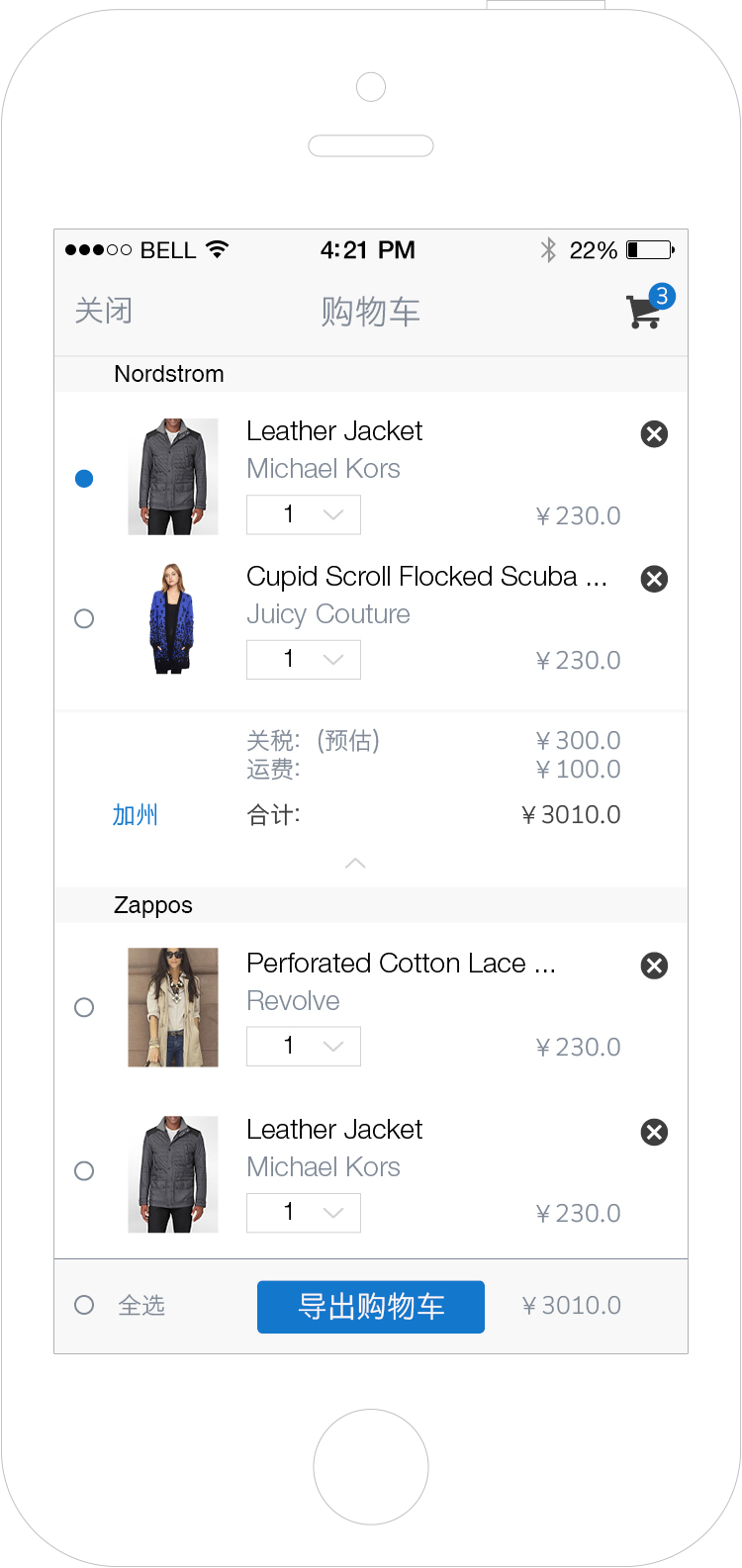
5TH Avenue’s shopping cart is not for checkout but to help users calculate price and export link. Users sometimes make purchase from different merchants, so the products are categorized by merchants and prices are calculated separately. The selectors on the left make it easy for users to quickly make combinations and calculate the price.
Total price is unavailable without address
Required to choose address when select items
Shipping fee is added to total price
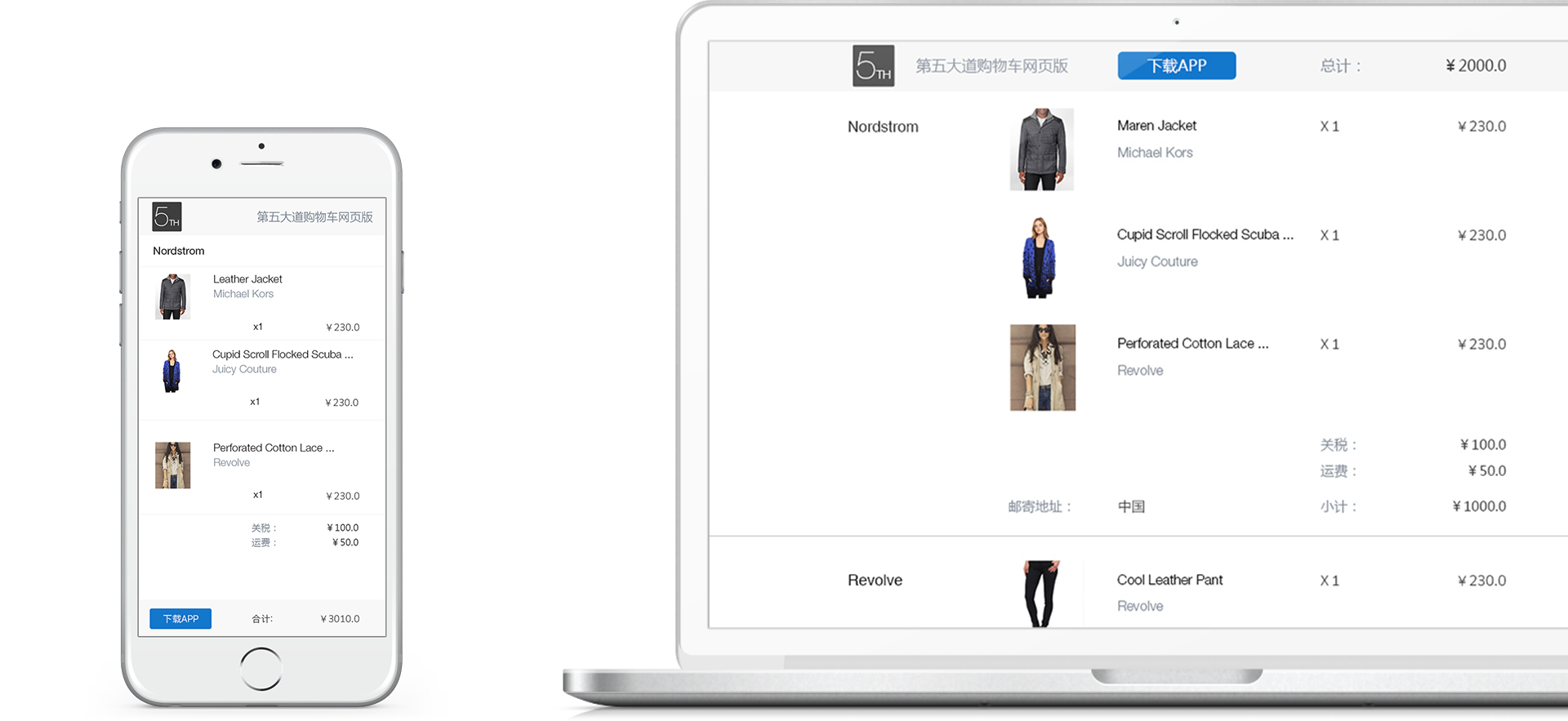
A user can get a link after exporting the shopping cart, with which anyone can view the shopping list in the web browser.